How do I operate on IAM resources when using aws-vault?
A customer asked: > I am using `aws-vault` to manage access to my AWS accounts. When I attempt to run the `exec` command to delete IAM resources, I get a security token error. What do I need to do to be able to delete IAM resources when using `aws-vault`? ```bash aws-vault exec <account-profile>-- aws iam list-users ``` --- <ins datetime="2023-01-26T15:11:53Z"> <p><a href="https://support.gruntwork.io/hc/requests/109838">Tracked in ticket #109838</a></p> </ins>
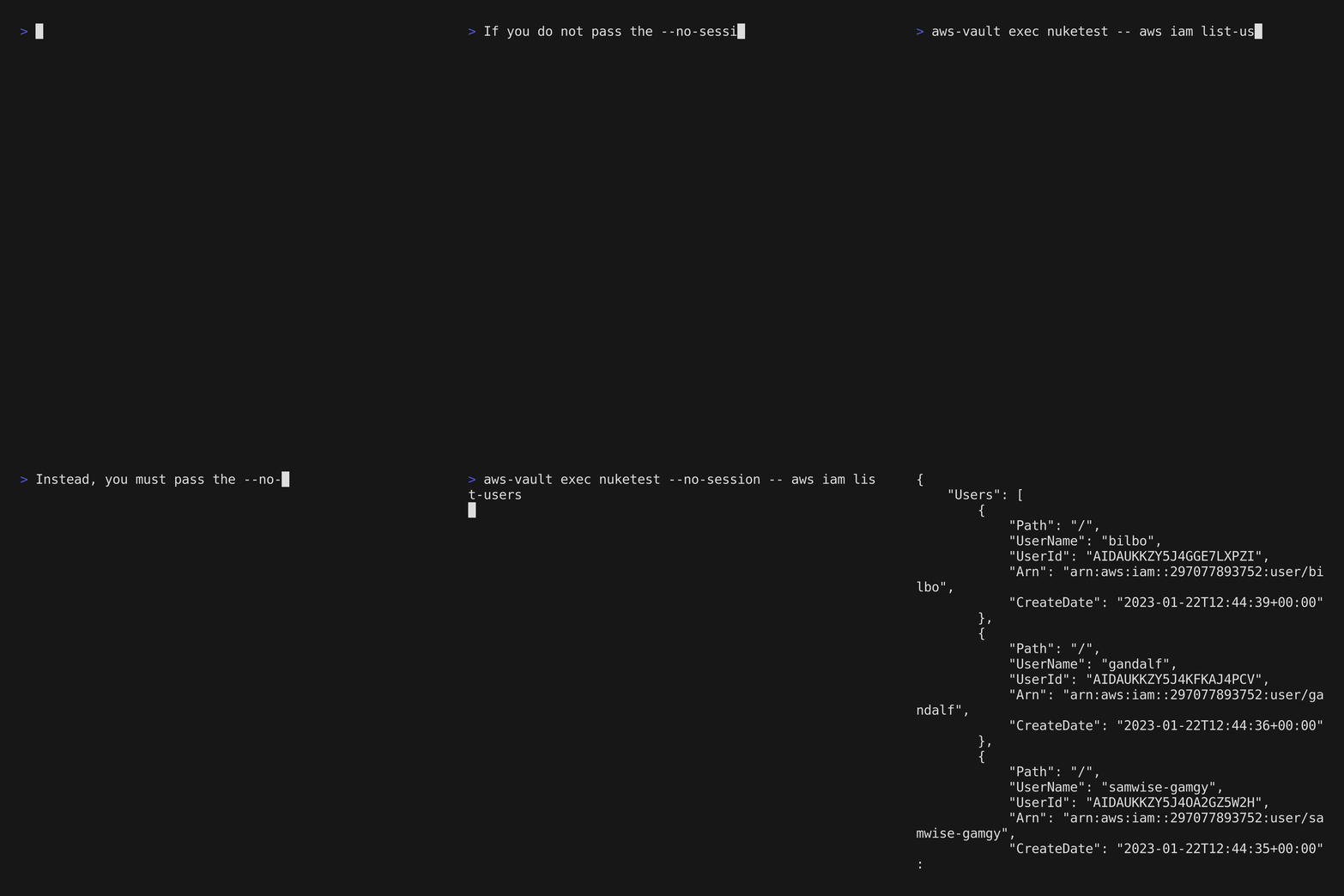 The temporary session token returned by [the AWS STS action `GetSessionToken`](https://docs.aws.amazon.com/STS/latest/APIReference/API_GetSessionToken.html) is valid for making API calls to AWS services - with the following important exception: > You cannot call any IAM API operations unless MFA authentication information is included in the request. This causes confusion to users of aws-vault who are using an IAM user in their profile. When they attempt to use calls for IAM they get InvalidClientTokenId, and ultimately are forced to expose their permanent credentials by passing the `--no-session` flag to their `aws-vault exec` commands. See also: https://github.com/99designs/aws-vault/issues/1056